

-
Start the
UaExpertprogram. -
Click “Server Add”.
The “Add Server” dialog opens.
-
In the tree view, expand “Local OPCUAServer@”.
-
Select the connection type “None” and click “OK” to close the dialog.
-
Click “Server Connect”.
An object tree is displayed in the “Address Space” view.
-
Click “Documents Add”.
The “Add Document” dialog opens.
-
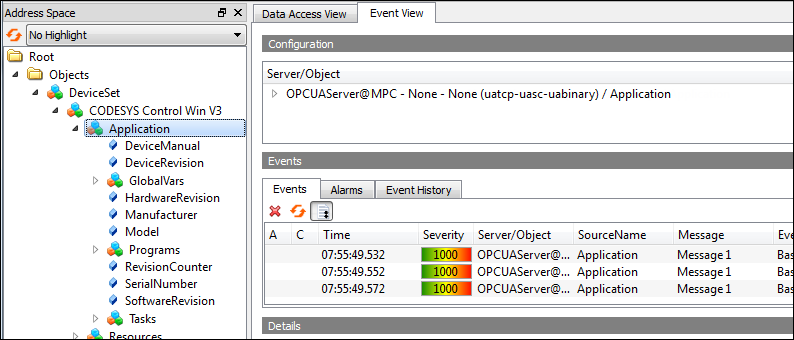
Select the “Event View” as the "Document Type".
The “Event View” tab opens.
-
In the “Address Space” view, expand the “Objects DeviceSet CODESYS CODESYS Control Win V3” object.
-
In “Address Space”, select the "CODESYS Control Win V3" object and drag it to the “Event View”.
The events are displayed.
 Permalink